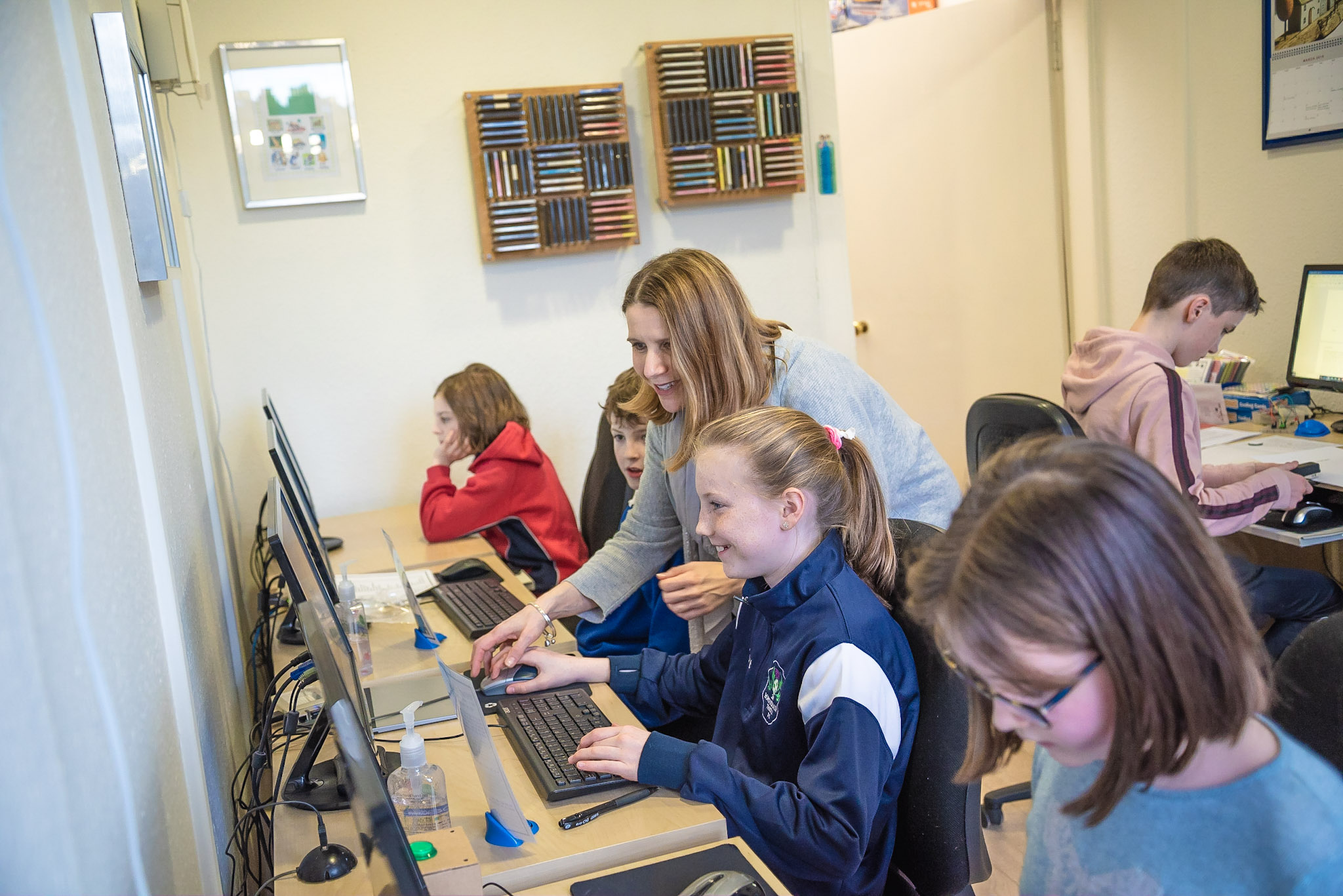
Children aged 5 and up attend classes for an hour a week and are introduced to touch-typing and various computer applications such as word processing, spreadsheets, databases, multimedia presentations, computer art, coding and desktop publishing.
Term-time classes run after school from Monday to Friday and on Saturdays and children attend one hour-long lesson per week. The lessons are booked in monthly blocks. However, you are welcome to book just one lesson initially to see how your child gets on.
Monday to Thursday 3.30pm, 4.30pm and 5.30pm
Friday 2.00pm, 3.00pm and 4.00pm
Saturday 10.00am, 11.00am, 12 noon, 2.30pm and 3.30pm.
Adult lessons are available for complete beginners or those wishing to improve their skills. The content of all lessons is customized to meet your needs.
Adult lessons are available on weekdays (with the exception of Monday) between 10.00am and 3.00pm and can be booked on a regular basis or as and when you need some help.
The following courses run during most school holidays. The next courses will run in the new year. Details will be posted in due course.
Please see course descriptions below.
Each daily lesson lasts for one hour and all courses take place within the centre at 19 Morningside Drive, Edinburgh. Class sizes are limited to 5 children. If there is another course that you are interested in that isn’t in the schedule, please just ask and I will do my best to fit it in!
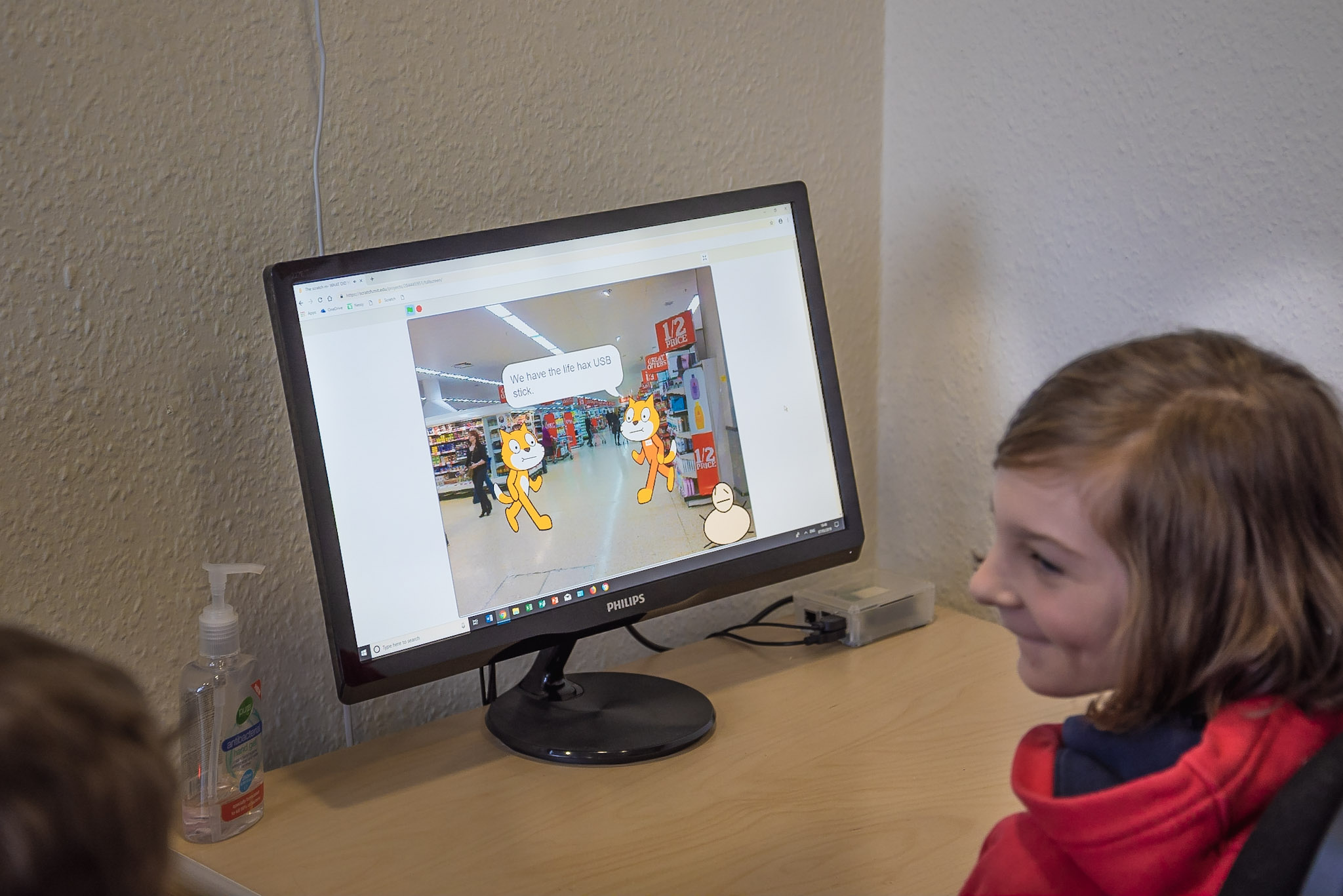
Scratch is a programming language that lets children create their own interactive stories, animations, games, music and art. For children interested in computer programming and games creation this is a great place to start.
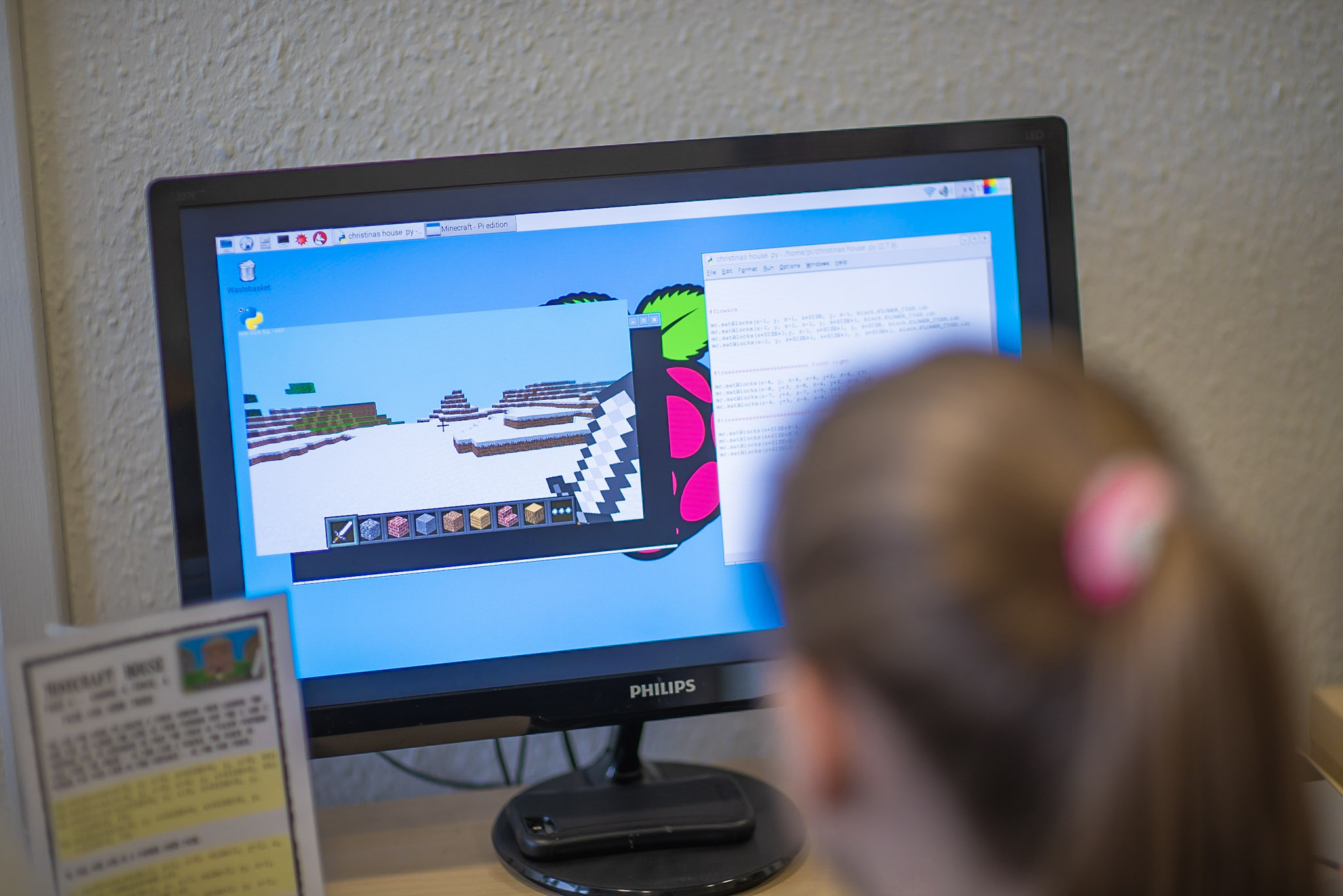
This course is an introductory course for Raspberry Pi beginners. Learn about the credit card sized computer, make simple games using Python programming language, connect LEDs and buzzers using the GPIO pins, use the Python turtle function to create amazing geometric patterns and learn how to use code in Minecraft to change your Minecraft world!
Learn to touch-type using a variety of fun games aimed at introducing correct posture and finger placement. Throughout the course, children will be taught to correctly type the letter keys with the focus being on accuracy initially then, once confidence improves, on building speed.
On this course children will use Microsoft Word to create an informative and well-presented project on a topic of their choice. They will learn how to create a table of contents, footnotes, page numbers, insert and edit text, images, tables and graphs and learn effective methods of researching their topic. The project will be bound at the end of the week for an extra professional look! Recommended for ages 9 and up.
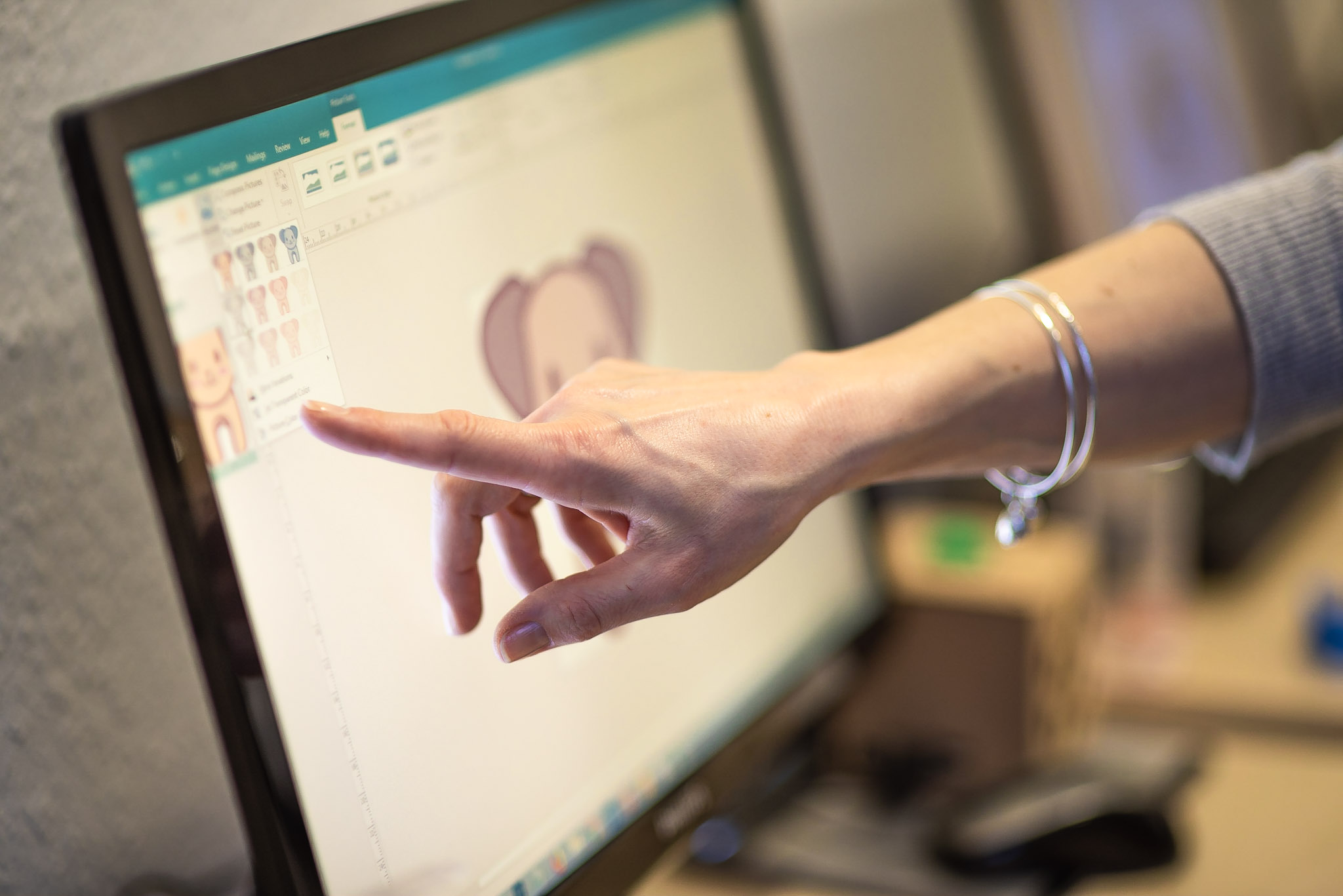
Using Microsoft Publisher children will create a tri-fold information leaflet about a subject of their choice. On this course children will learn and develop really useful desktop publishing skills such as creating and linking text boxes as well as inserting and formatting pictures and text. Recommended for ages 7 and up.
Create a multimedia presentation using Microsoft PowerPoint. Children will create a slide show on a topic of their choice and use the Internet and Encyclopaedia software to source information and pictures. Children will input text, pictures, GIFs, tables and sound effects and learn how to animate their slide show.
Using Microsoft Word and other art programs, children will create colourful stickers, pictures, t-shirt and bag transfers, key rings, magnets and cards. It’s great fun and there’s lots to take away at the end of the week! Recommended for ages 7 and up. Course content may change due to the time of year and availability of resources.
On this course children will learn and develop general computer skills. Using Microsoft Word children will create colourful posters, decorative labels and fun puzzles. Children will also learn to create basic spreadsheets and graphs using Microsoft Excel.